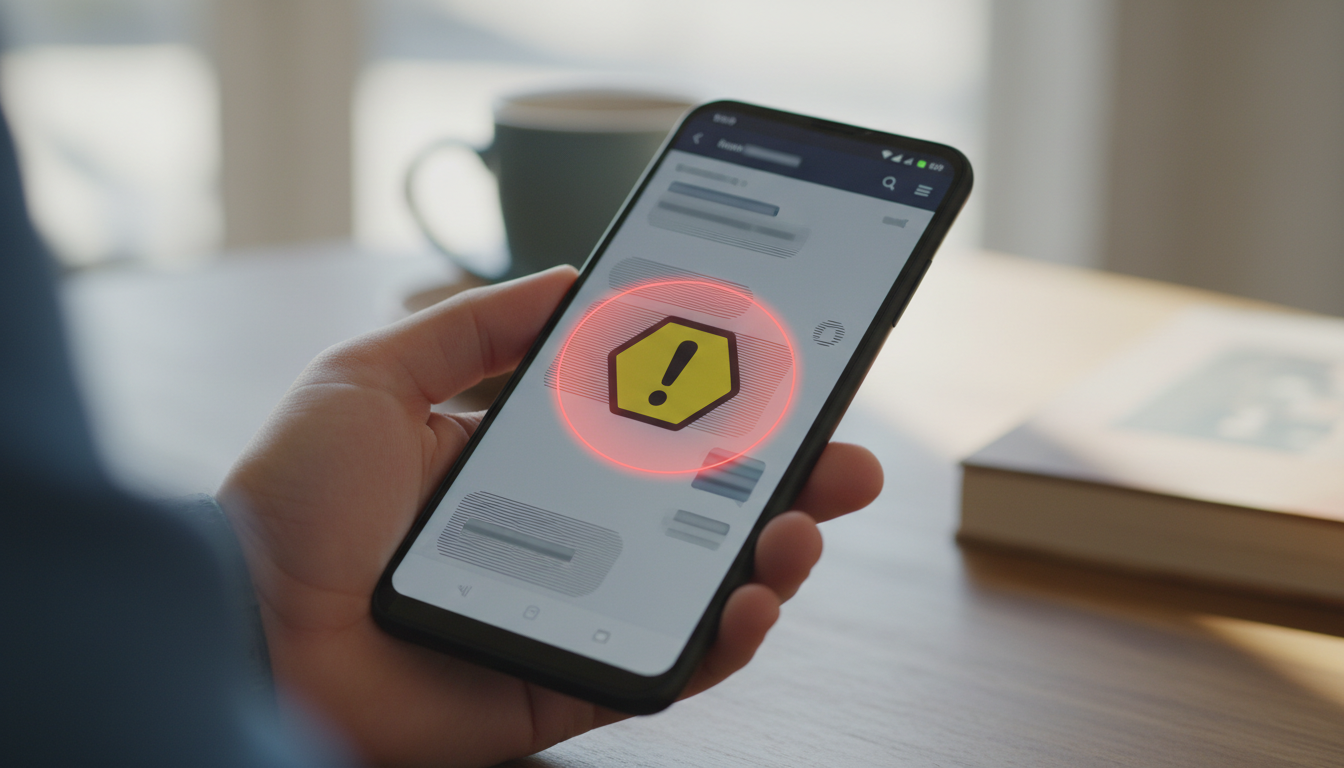
Suspicious text messages are no longer limited to obvious spam or badly written links. Some scams build trust over several messages, pretend to be a familiar service or gradually steer a conversation toward a payment or a request for personal information. Google is expanding the protection available in Google Messages with an optional Enhanced protection mode that uses additional AI-assisted checks to spot more complicated attempts. If the setting has reached your phone, you can turn it on in a few steps.
What Enhanced protection does
Google Messages already includes standard spam and scam protection. Enhanced protection adds another layer for more complex conversations, particularly messages from people who are not in your contacts. Google says the upgraded mode can use cloud-based Gemini models through Private AI Compute to assess the context of a conversation and identify signs that a sender may be trying to manipulate the recipient.
The feature is designed to supplement the existing on-device checks, not replace them. Google has also described stronger link warnings, which can use on-device Gemini Nano and real-time web signals to assess unfamiliar links before a user opens them. The exact features available can vary by device and rollout. Google’s announcement of its new Android scam protections explains the broader set of changes.
How to enable it in Google Messages
If the option is available on your phone, the setting is inside Google Messages. Follow these steps:
- Open the Google Messages app.
- Tap your profile picture or initials in the top-right corner.
- Choose Messages settings.
- Open Protection & safety, then Spam and scam protection.
- Select Enhanced protection.
The menu may offer Enhanced protection, Standard protection and No protection. Standard protection is the normal baseline and is preferable to turning protection off. If Enhanced protection does not appear, it may not have reached your device or region yet. Google notes in its Google Messages spam and scam protection help page that the available setting depends on the device.
What happens to your messages?
The cloud-based part of Enhanced protection is handled through Private AI Compute. Google says message data is encrypted and processed in a dedicated secure environment, and that the analysis is not available to Google or other parties. That is Google’s description of its privacy safeguards; users who are particularly sensitive about message processing should read the in-app explanation and the support documentation before enabling the option.
Standard protection relies primarily on machine-learning checks on the device to recognise known spam patterns. Enhanced protection adds the option of more capable cloud analysis for situations where context matters. It is not the same thing as end-to-end encryption for every conversation, and it should not be confused with RCS encryption, which depends on the messaging participants and availability.
What if the option is missing?
First, make sure Google Messages is updated through the Play Store and check again later. Google is rolling the feature out in stages, so two people with similar phones may not receive it at the same time. Some of the enhanced link-checking capabilities also have narrower device requirements than the general spam-protection setting.
While waiting, keep Standard protection enabled, avoid opening unexpected links and be cautious when a stranger tries to move a conversation toward money, verification codes or account access. A message that appears to come from a bank, delivery company or government agency should not be trusted solely because it uses a familiar logo or name. Open the organisation’s official app or type its known website address yourself instead of following a link in an unsolicited text.
AI warnings are helpful, but not a guarantee
AI-based detection can help identify patterns that are difficult to recognise from a single message, but no filter catches every scam. A legitimate message can occasionally be flagged, while a convincing fraudulent conversation may still get through. Treat warnings as an extra signal, not as a substitute for checking the sender and thinking carefully before sharing information or sending money.
It is also worth remembering that scammers adapt. They can change wording, use compromised accounts or switch to phone calls and other messaging apps when one channel becomes harder to exploit. Keeping your phone and apps updated, using unique passwords and enabling multi-factor authentication on important accounts remain useful protections.
Conclusion
Enhanced protection gives Google Messages users an additional way to identify suspicious conversations and links, combining existing on-device checks with more advanced analysis where supported. If the option is available, it is worth reviewing and considering, especially if you regularly receive messages from unknown numbers. Just remember that availability varies and no AI feature can make every text message safe. A little caution is still the most important defence.