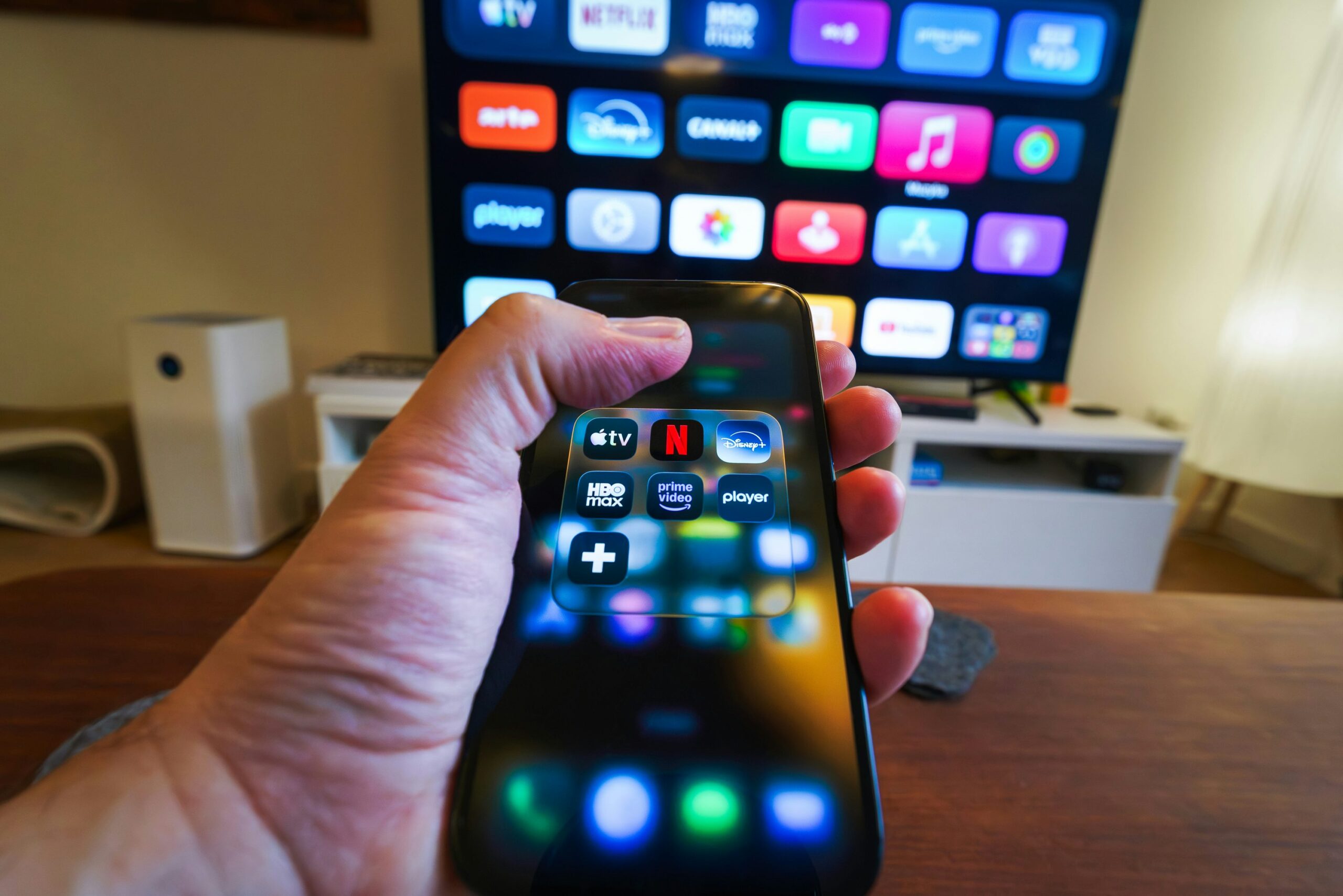
Xbox Cloud Gaming is testing two changes that could make it easier to play on a television without reaching for a traditional controller. One turns an Android phone or iPhone into a temporary gamepad for supported smart TVs. The other, called cloud connect, lets the new Xbox Nano Controller communicate with a cloud gaming session over Wi-Fi rather than relying on a Bluetooth connection to the TV.
Microsoft announced both previews on November 4, 2026. They address different problems: the phone option is meant for players who do not have a controller nearby, while cloud connect is an attempt to improve responsiveness for people who already own the Nano Controller. Neither feature is a full public release yet, and compatibility remains limited while Xbox gathers feedback.
Table of Contents
Use an iPhone or Android phone as a controller
The more widely available of the two features is the phone-controller preview. On supported smart TVs, players can use a compatible iOS or Android phone as a controller for an Xbox Cloud Gaming session. The controls open in the phone’s browser, so there is no separate controller app to install for the feature itself.
The setup is designed to be straightforward. First, open the Xbox experience on a supported smart TV and enable Preview Features under Settings > Account. Start a cloud game without a physical controller connected. If the TV and game are supported, the interface will offer the option to use a phone for that session. The TV displays a QR code that the player scans to connect the phone.
Microsoft says some games will also have control layouts tailored to the way they play. That matters because a generic touchscreen layout is not ideal for every genre. A simple platform game, for example, may translate to touch controls more naturally than a fast-paced shooter that depends on precise aiming and several simultaneous inputs.
What Xbox cloud connect changes
The second preview is more technical. The Xbox Nano Controller can use a feature Microsoft calls cloud connect to send inputs over a home Wi-Fi network directly to the cloud server running the game. In a conventional TV setup, a Bluetooth controller sends commands to the television, which then handles the cloud gaming connection. Cloud connect changes that route by allowing the controller to communicate with the cloud session directly.
The goal is to reduce input latency. Every extra step between a button press and the game responding can add delay, and that delay is particularly noticeable in games that require quick reactions. Microsoft says the direct Wi-Fi connection can make gameplay feel more responsive, but it has not promised a specific latency improvement or claimed that the feature eliminates network delay.
Players in the United States can try the cloud connect preview with the Xbox Nano Controller on supported smart TVs and the web. Setup requires the Xbox beta app on Android or the Xbox Accessories app on PC. Microsoft notes that PC setup requires Xbox Insider enrollment. The controller must be connected to the same Wi-Fi network used for the cloud gaming setup, and players need to sign in with the Xbox account used during configuration.
Where the previews are available
The two previews do not have identical regional availability. The phone-controller option is rolling out on supported smart TVs in countries where Xbox Cloud Gaming is available. Cloud connect for the Xbox Nano Controller is currently limited to players in the United States. Both features also depend on supported devices and compatible cloud gaming experiences.
Microsoft has published the announcement and setup details on Xbox Wire, with a separate Xbox support guide for cloud connect. Those pages are the best place to check whether a particular TV, controller or game is currently supported, since the preview can change as the rollout expands.
What players should know before trying them
Both features are experiments, not guarantees of a permanent Xbox Cloud Gaming feature set. Microsoft says availability and supported games or devices may be limited while it collects feedback. A phone may pair successfully with a supported TV but still offer no useful control layout for a particular game. Cloud connect may not work with every cloud gaming experience, even when the Nano Controller is configured correctly.
It is also important to keep expectations realistic about latency. Direct Wi-Fi communication may remove one part of the input path, but cloud gaming still depends on the quality of the home network, internet connection, distance to the cloud server and the performance of the streaming device. A faster controller connection cannot compensate for an unstable broadband connection or heavy network congestion.
Why Microsoft is experimenting with new controls
Cloud gaming makes it possible to play on screens that are not traditional consoles, but the experience still depends on a reliable way to send commands to the game. Requiring a dedicated controller can be an obstacle when someone wants to try a game on a living-room TV for a few minutes. A phone-based option lowers that barrier, especially for casual or shared sessions.
Cloud connect targets a different audience: players who already have a controller but want a more direct connection to the streamed game. If testing shows a consistent improvement, the approach could become a useful part of Microsoft’s wider cloud gaming hardware strategy. For now, the company is collecting feedback rather than announcing a broader rollout or a timetable for general availability.
Conclusion
Xbox’s new previews offer two practical ideas for cloud gaming: use a phone when a physical controller is unavailable, or connect the Xbox Nano Controller directly to a cloud session over Wi-Fi. The phone feature has the wider regional rollout, while Nano cloud connect remains a US preview. Both are worth watching, but players should check device and game compatibility and remember that the features are still being tested.