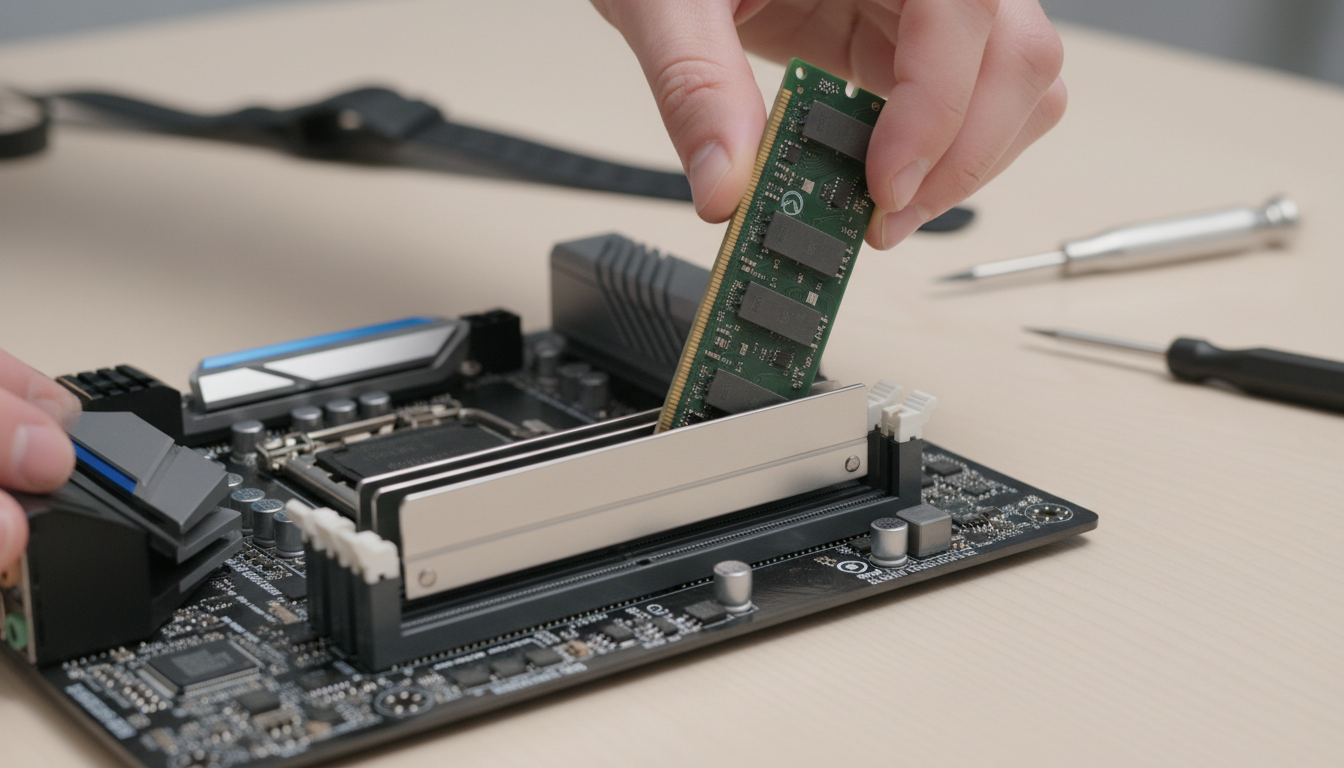
RAM is one of the most important parts of a PC, but choosing the right capacity can be confusing. Some computers still ship with 8GB, many gaming systems use 16GB, and 32GB has become a common target for new builds. The best choice depends on what you do with your computer, not simply on the largest number you can afford.
Is 8GB still enough?
Eight gigabytes can handle basic browsing, document editing and light everyday tasks, especially on a system with a clean software setup. It is increasingly restrictive for modern gaming and multitasking, however. Windows, background applications and a browser with several tabs can consume a meaningful portion of that capacity before a demanding game even starts.
If you already own an 8GB PC, you do not necessarily need to replace it immediately. But if you are buying a new desktop or laptop and expect to keep it for several years, more memory will provide useful headroom.
16GB: a practical gaming baseline
Sixteen gigabytes remains a reasonable starting point for a gaming PC. It can run many modern games while leaving room for Windows and a few background applications. Actual requirements vary by title, settings and what else is running, so there will be games and workloads that benefit from more.
If you mainly play games without streaming or running many other applications, 16GB may be sufficient. Check the recommended system requirements for the games you play rather than assuming every new release needs the same amount.
32GB: a comfortable choice for new builds
For a new gaming desktop, 32GB is a sensible capacity if the budget allows. It provides more room for modern games, browsers, voice chat, launchers and background tools to run together. It can also help people who edit photos or videos, work with large projects or use virtual machines.
More RAM does not automatically increase frame rates. If a game already fits comfortably in memory, adding capacity may make little difference to average performance. The benefit is most noticeable when a system is running short and must move data between memory and storage.
When does 64GB make sense?
Sixty-four gigabytes is generally aimed at heavier workloads: professional video editing, large creative projects, software development, virtual machines, complex simulations or demanding modded games. For a typical gaming-only PC, it is often better to spend the extra money on a stronger graphics card, faster storage or a better monitor.
Capacity is not the only thing to check
Before buying memory, confirm whether your motherboard and processor support DDR4 or DDR5, what speeds are supported and how many slots are available. Desktop PCs generally use full-size DIMM modules, while many laptops use smaller SO-DIMMs or have memory soldered to the board.
For many desktop builds, a matched two-module kit is a straightforward option. Check your motherboard documentation and compatibility information before purchasing, and remember that advertised memory speed may require enabling the appropriate memory profile in firmware.
Conclusion
For basic everyday use, 8GB can still work, but 16GB is a more comfortable baseline for many PCs. A new gaming system is well served by 32GB, especially if you multitask, while 64GB is best reserved for workloads that genuinely need it. Choose compatible memory and balance the upgrade against the rest of your system.
Further reading: Intel’s guide to choosing RAM for gaming.
Leave a Reply